LIP30 Day 7
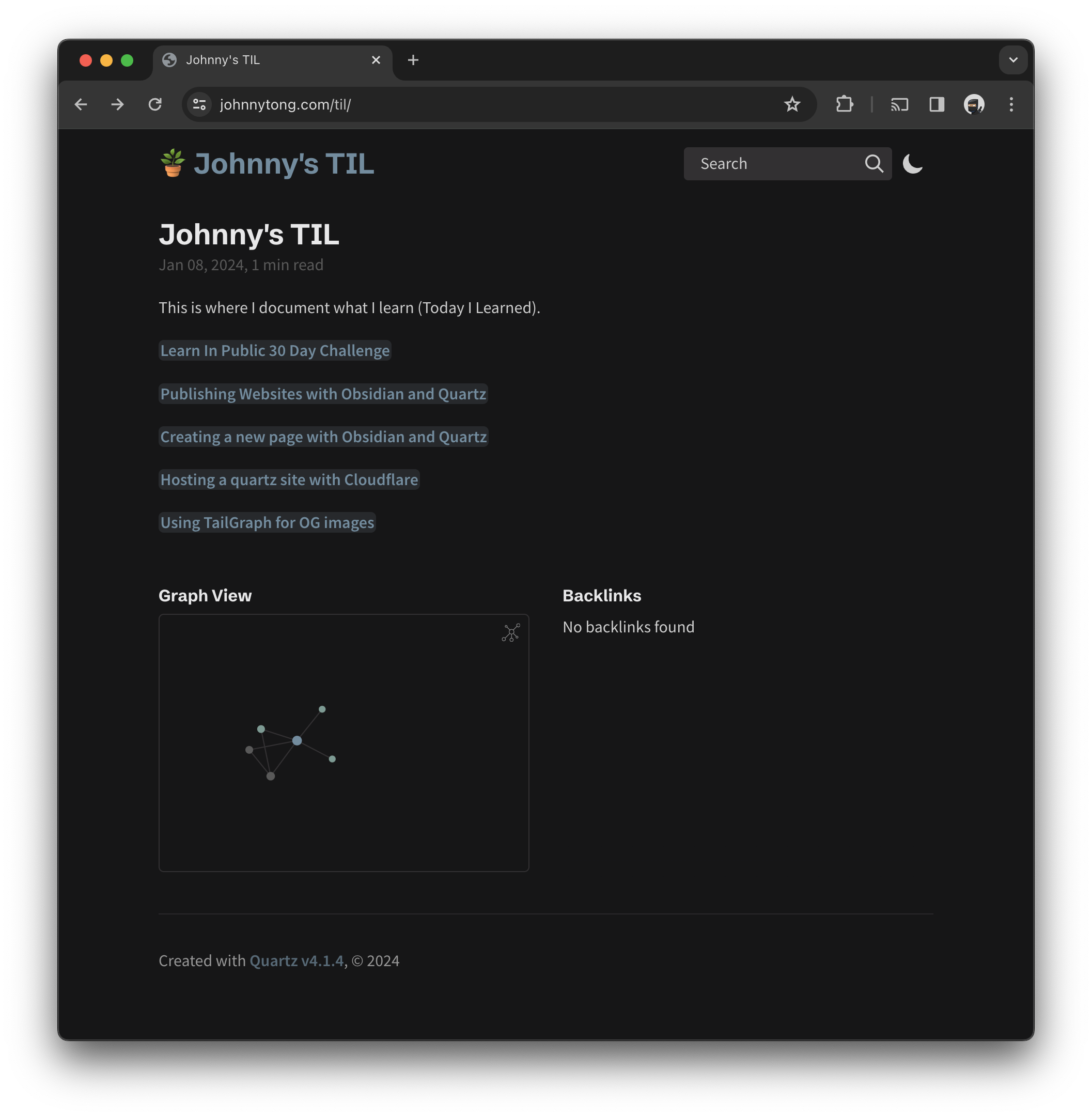
I wanted to serve this TIL on https://johnnytong.com/til instead of https://til.johnnytong.com
Usually, a reverse proxy is needed to make this redirect but there is a free way to do this with a Cloudflare Worker.
There is a blog by Cloudflare but it seems to be out of date so this is how you’d do it with the latest feature on Cloudflare.
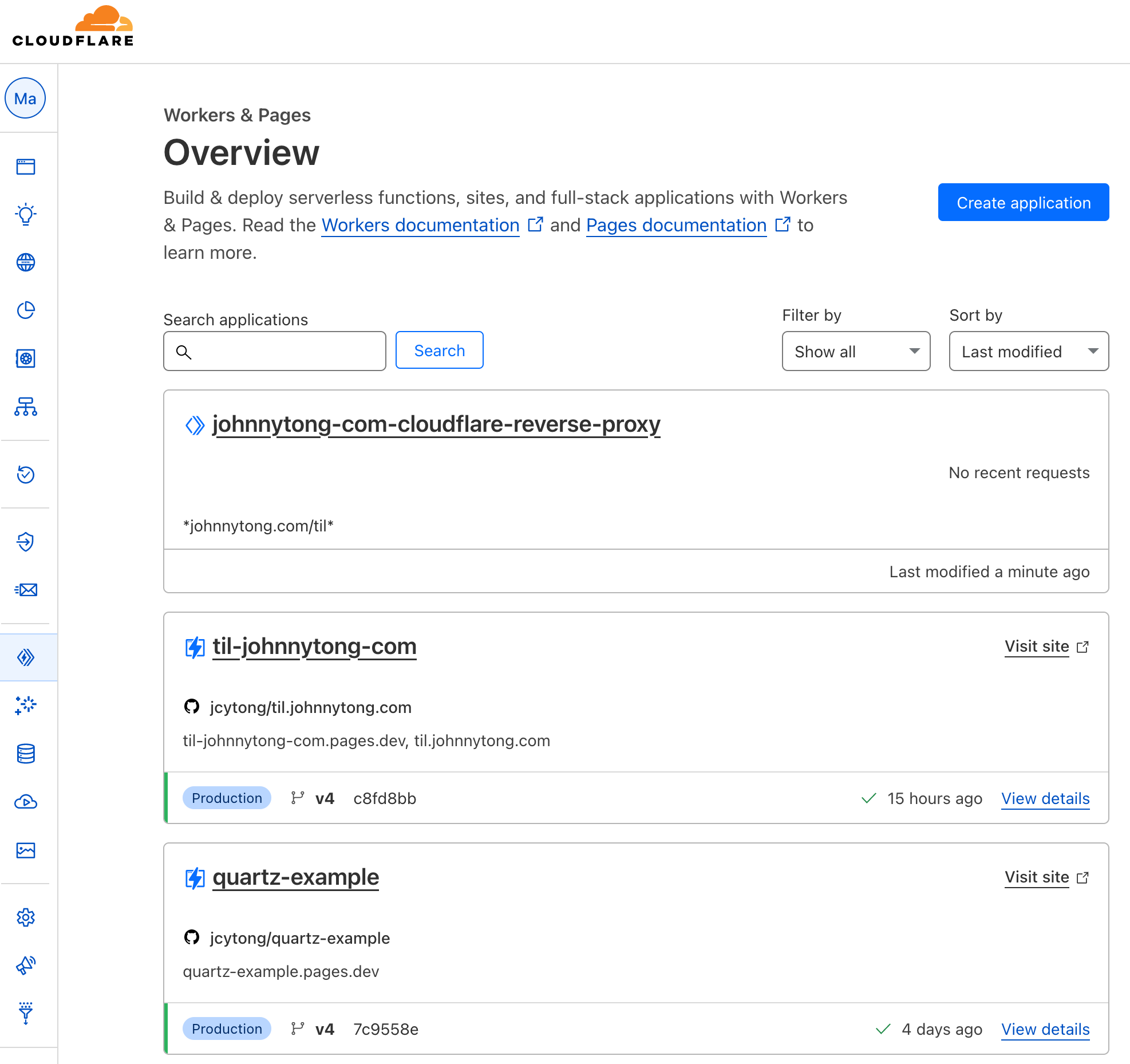
Creating the Worker
I called mine “johnnytong-com-cloudflare-reverse-proxy”
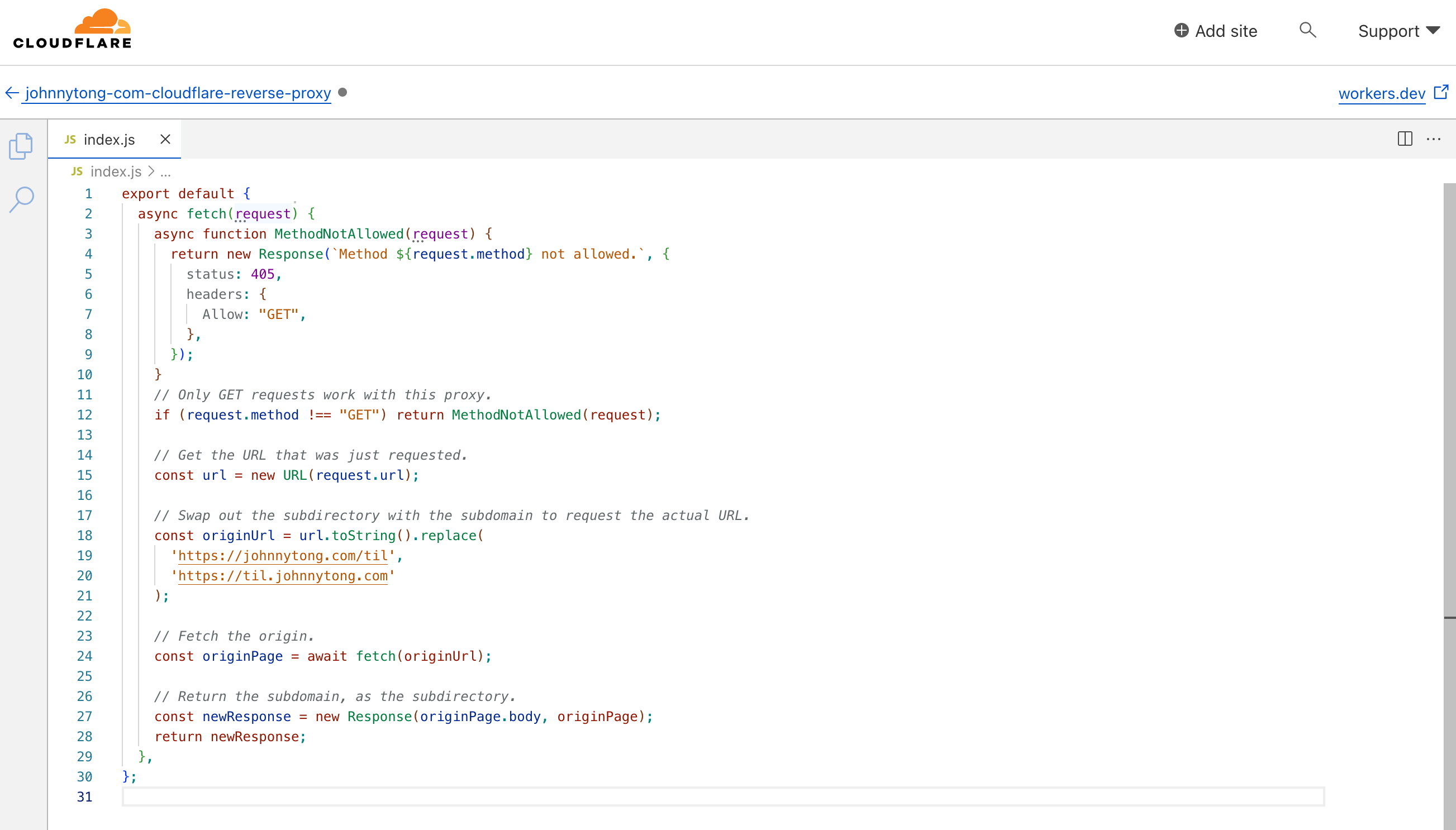
Using this script, we will rewrite the url so the subdomain response is returned when requesting for the subdirectory.
export default {
  async fetch(request) {
    async function MethodNotAllowed(request) {
      return new Response(`Method ${request.method} not allowed.`, {
        status: 405,
        headers: {
          Allow: "GET",
        },
      });
    }
    // Only GET requests work with this proxy.
    if (request.method !== "GET") return MethodNotAllowed(request);

    // Get the URL that was just requested.
    const url = new URL(request.url);

    // Swap out the subdirectory with the subdomain to request the actual URL.
    const originUrl = url.toString().replace(
      'https://johnnytong.com/til',
      'https://til.johnnytong.com'
    );

    // Fetch the origin.
    const originPage = await fetch(originUrl);

    // Return the subdomain, as the subdirectory.
    const newResponse = new Response(originPage.body, originPage);
    return newResponse;
  },
};
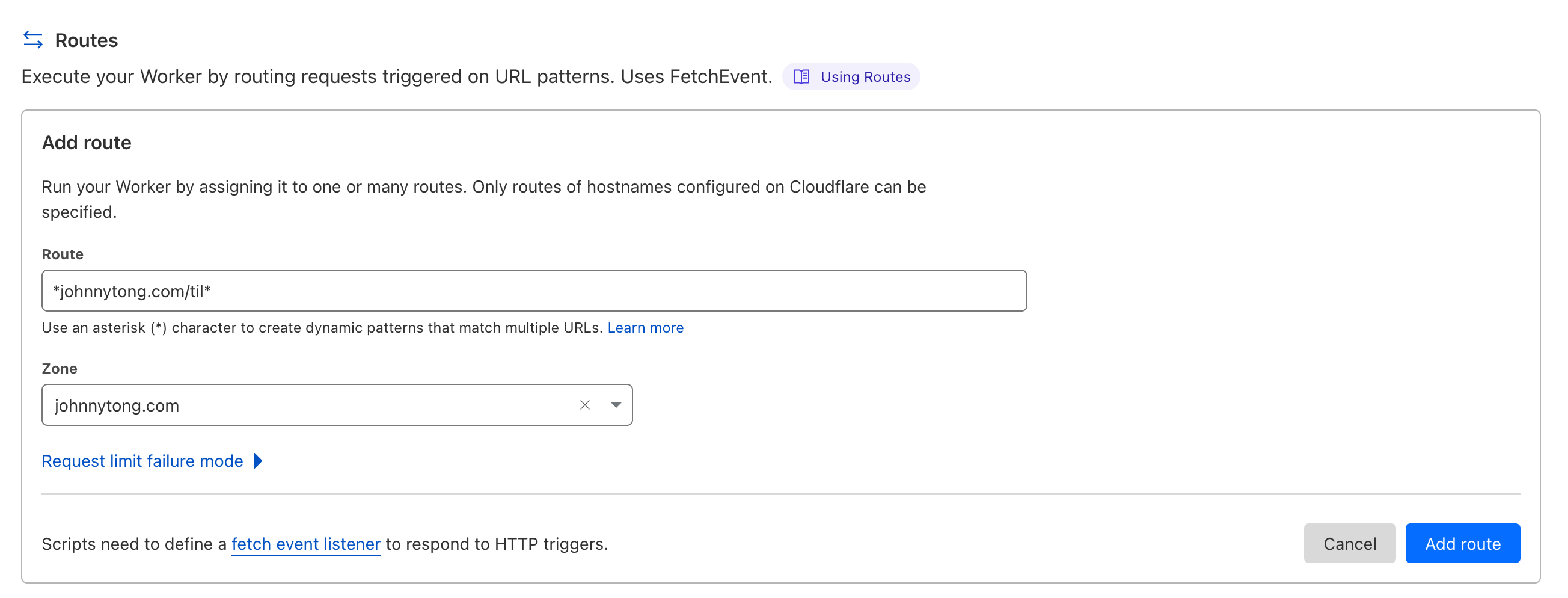
Afterwards, we need to add a route as a trigger for the worker where route *johnnytong.com/til* will match all paths after /til.
Once that’s completed, we can head to https://johnnytong.com/til and access the site.