LIP30 Day 1
One of the challenges of staying consistent with any habit is overcoming the friction to start the activity. To stay consistent to publish online, I want to remove as much friction as possible from writing ideas in a note to getting it public.
Recently, I rediscovered Obsidian which is a free writing app that stores all of its content in markdown files making it future proof if Obsidian disappears. The company offers a paid subscription for $8 per month to turn your notes into hosted online posts. However, I wanted to find an open source version so I am not locked into a private company and then I found Quartz—an open source static site generator that transforms Markdown (even the Obsidian flavour) into a fully functional website.
Here is how to get started. First download Obsidian and npm v9.3.1 or higher Then in your terminal
git clone https://github.com/jackyzha0/quartz.git
cd quartz
npm i
npx quartz create
Select “Empty Quartz” to initialize the content
then “Treat links as shortest path” since we want to use Obsidian for authoring our site
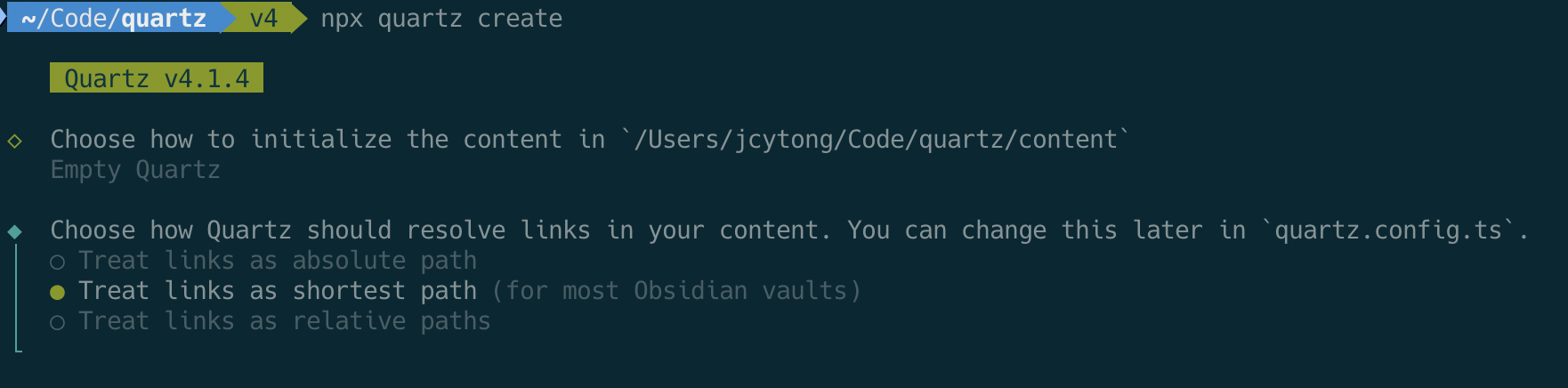
Once completed, the command
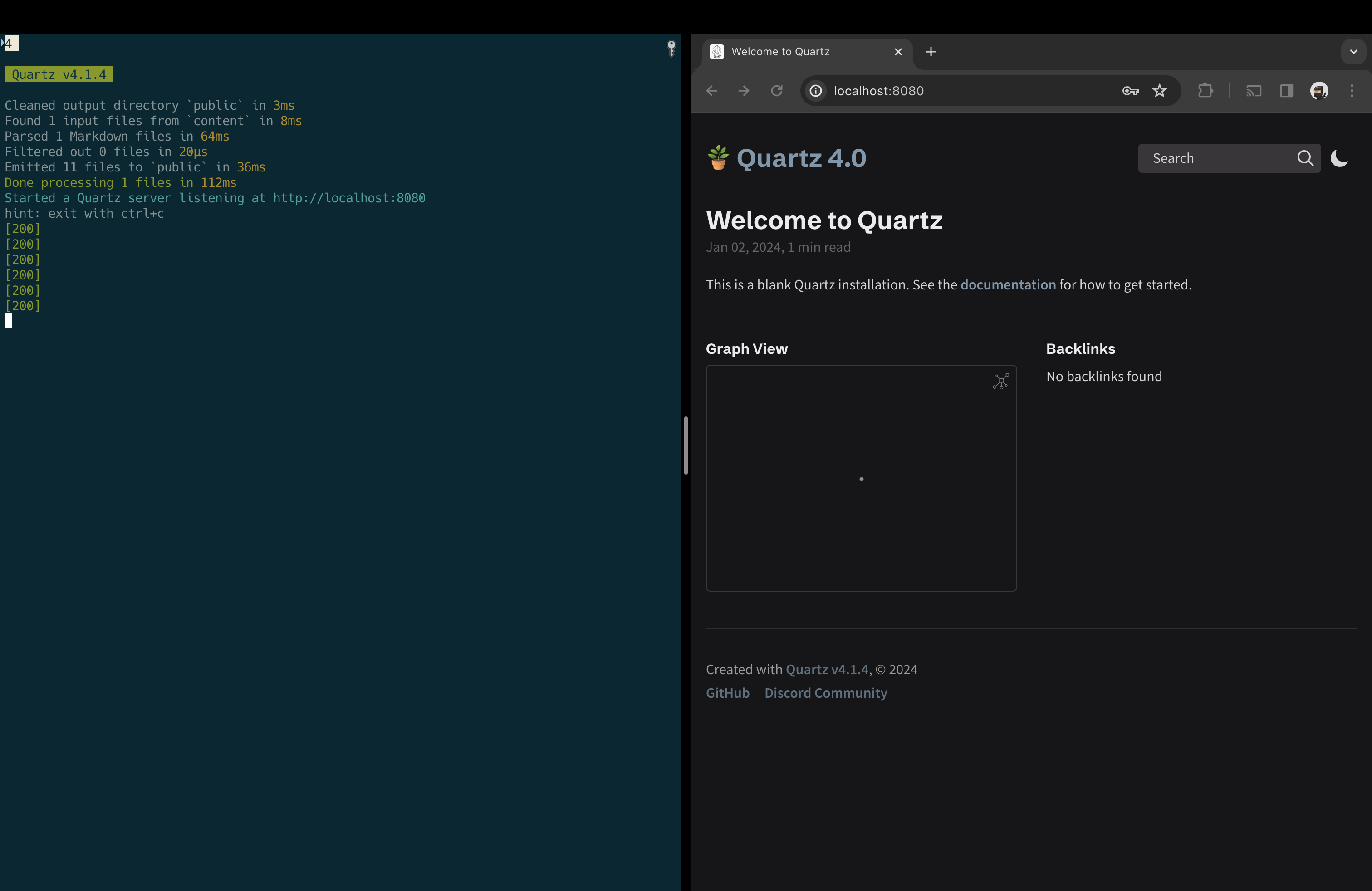
npx quartz build --servewill bring up a local server serving the index page with port 8080
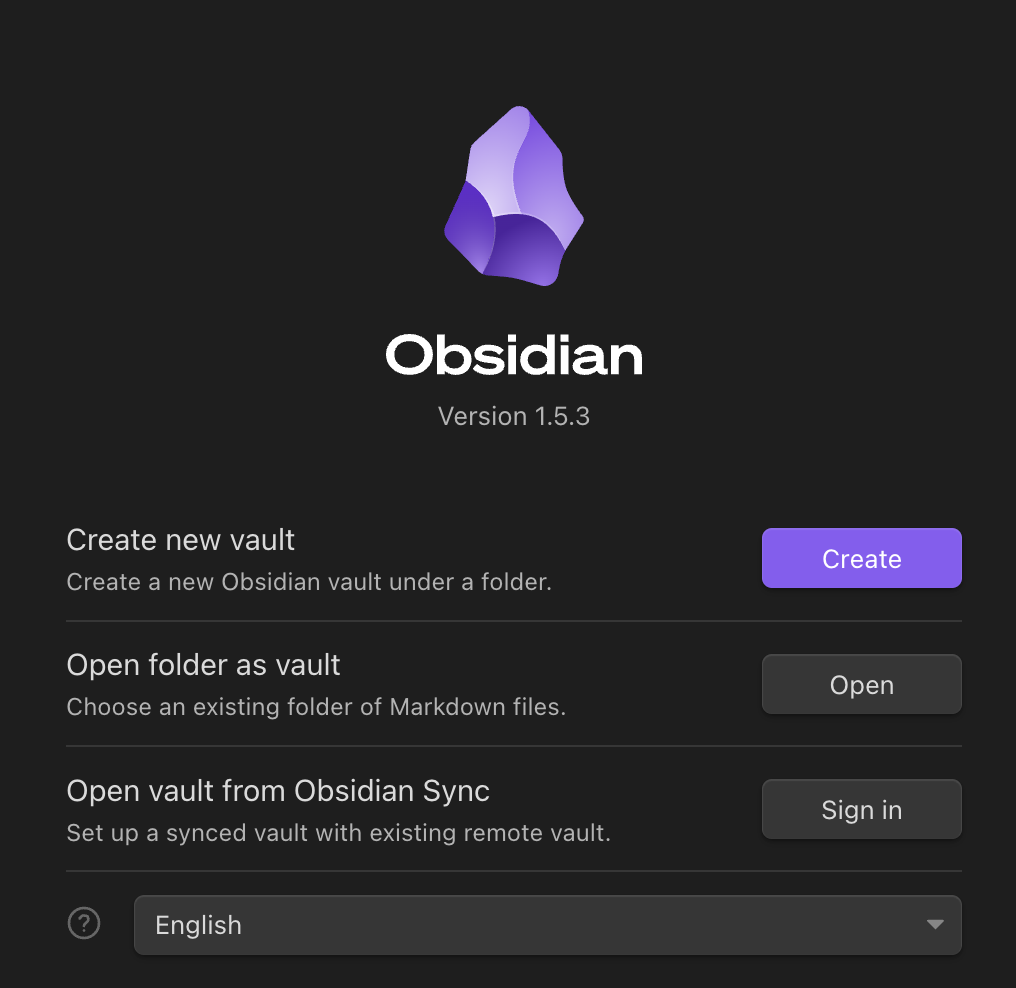
To create our first page, open the Obsidian app -> File -> Open Vault and select “Open folder as vault”
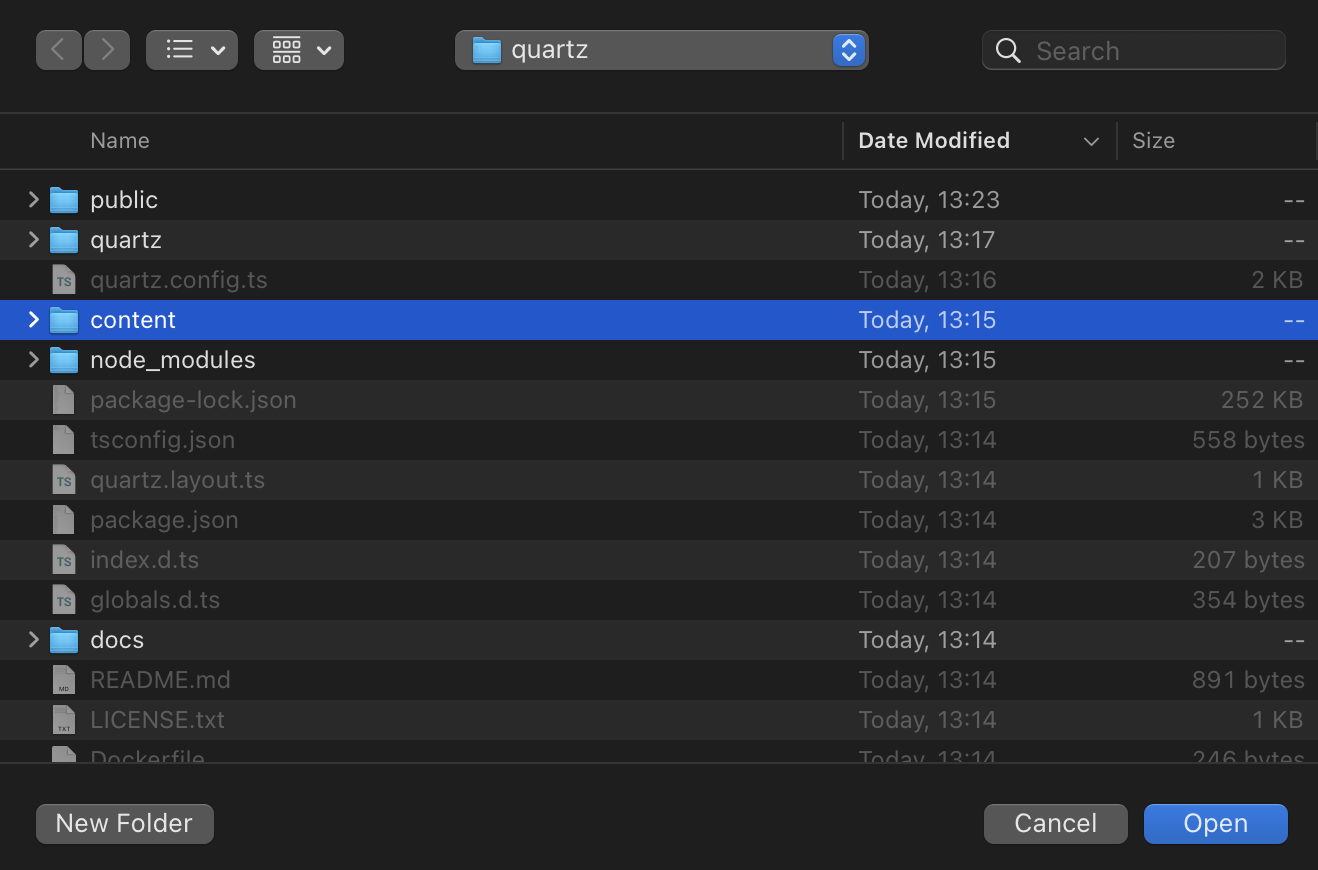
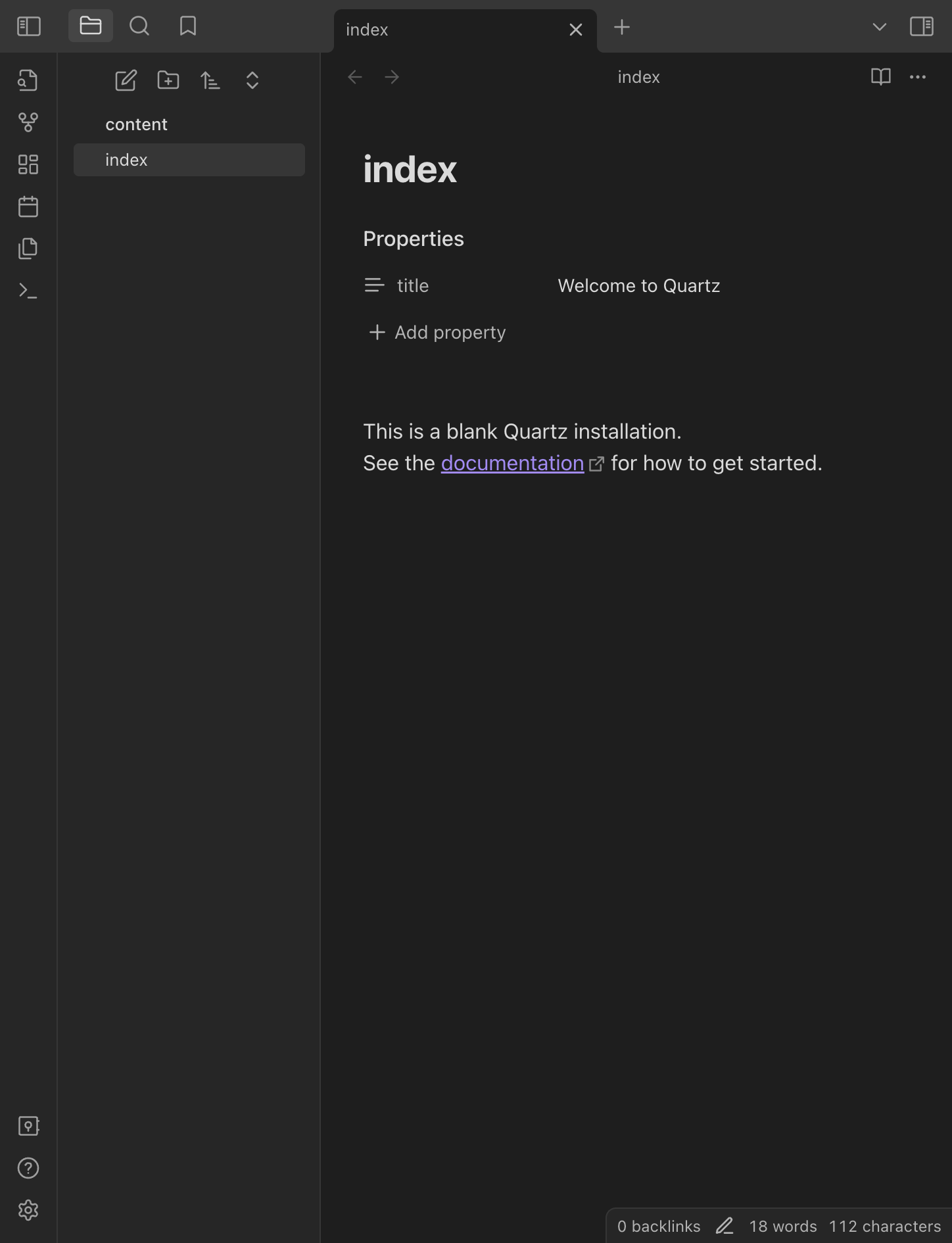
 In the file explorer, find the content subfolder and open it
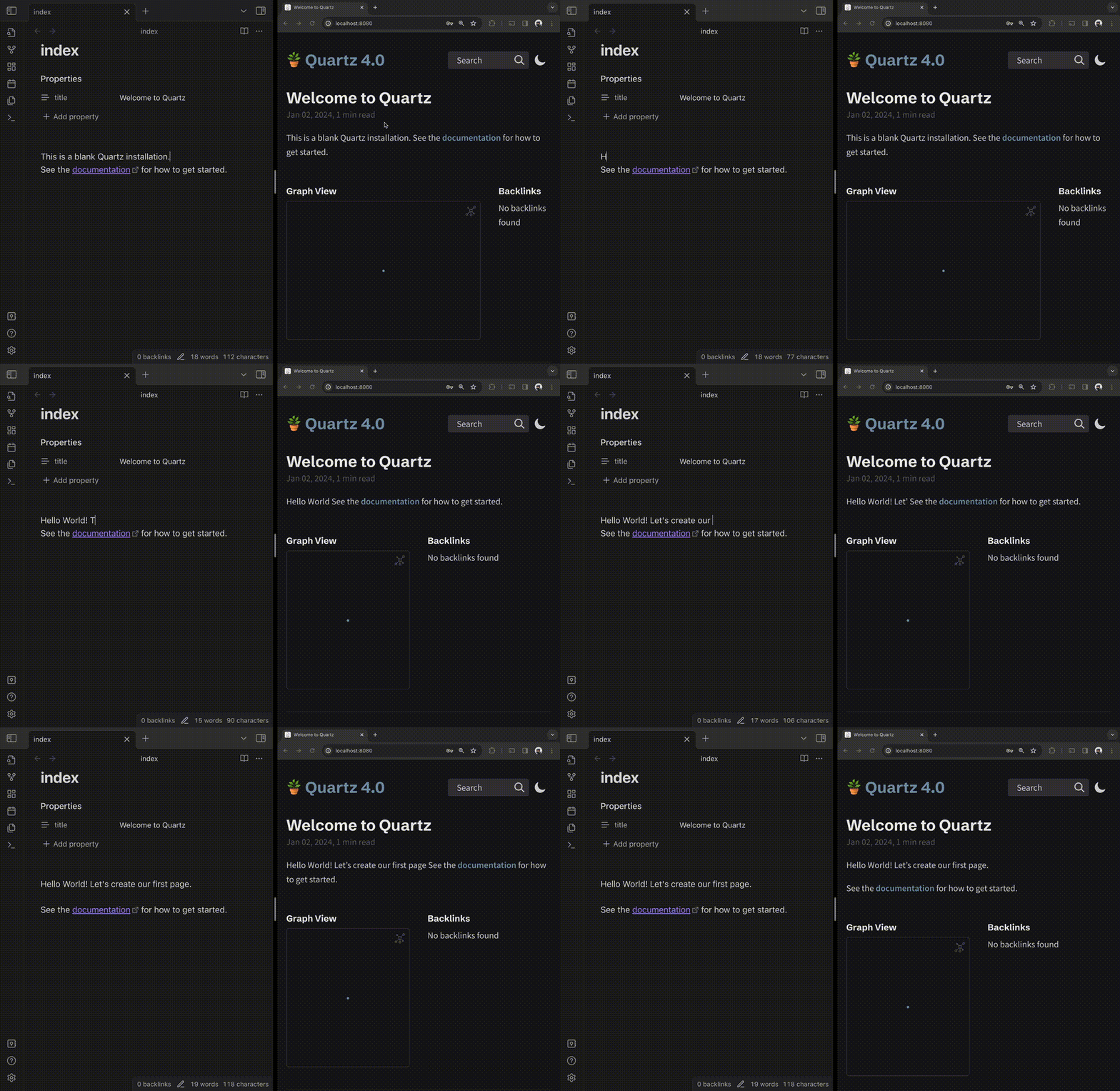
Now we can see the index page and start making changes and see them being reflected in the browser
As we edit the doc, the browser is updated live
 Tomorrow, we’ll look at how we can create a new page.