LIP30 Day 14
After adopting Obsidian as my personal note taking app, one thing I was hoping to do was to quickly record webpage content into it. I have been copy and pasting the content by hand into my Obsidian notes but it was quite tedious and error prone.
It led me to research how others are doing and I discovered a bookmarklet that enables that. A bookmarklet is a tiny piece of JavaScript code that is added to your bookmarks in your browser. When you click on the bookmarklet while on a page, it runs that piece of JavaScript code with the page’s content and context.
I discovered a popular web clipper (obsidian-web-clipper.js) made by the current CEO of Obsidian, kepano.
Adding a bookmarklet is super easy too. In the GitHub gist, he also provided a minified version.
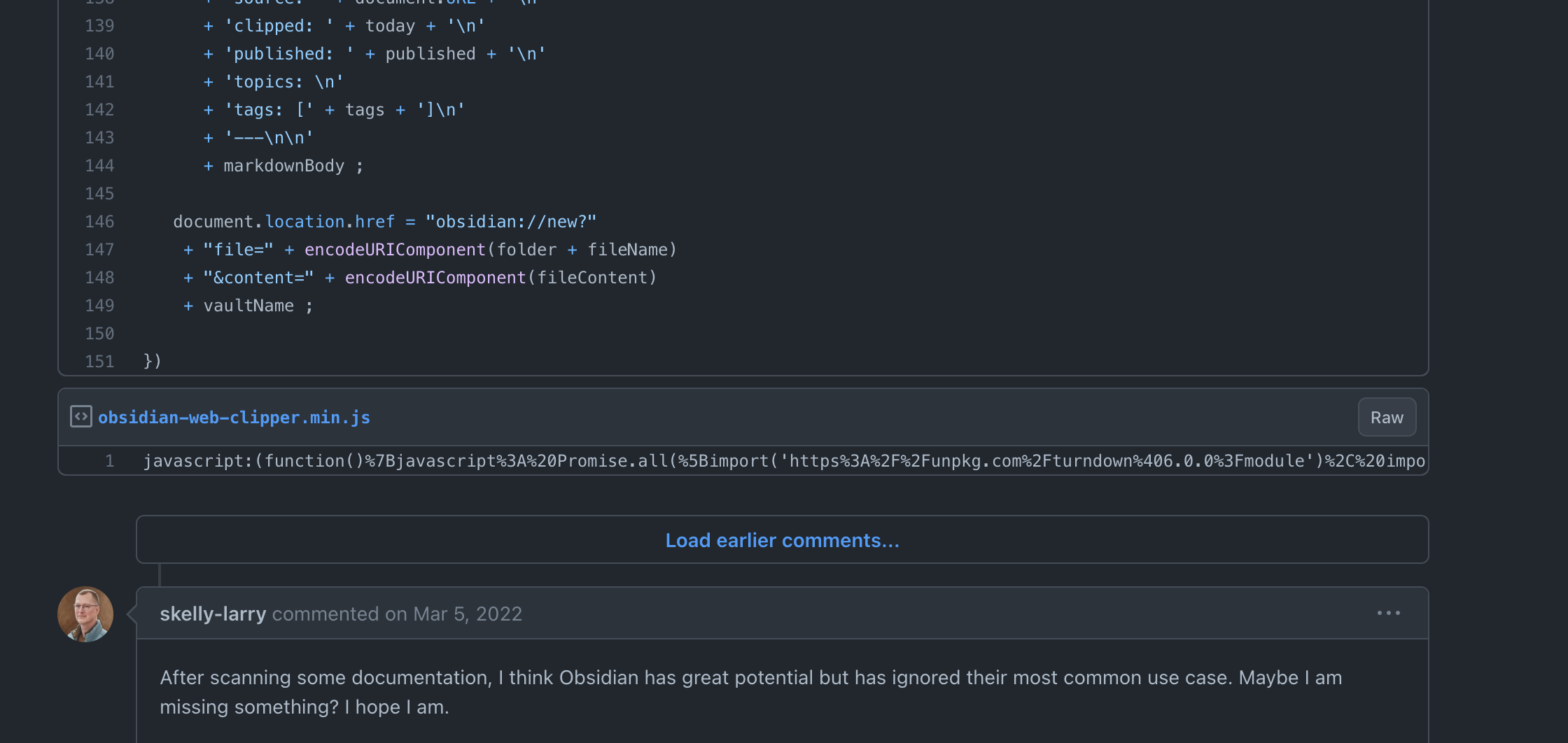
I simply copy the JavaScript and the go to my browser. Then create a new bookmark by pasting the JavaScript code into the URL field.
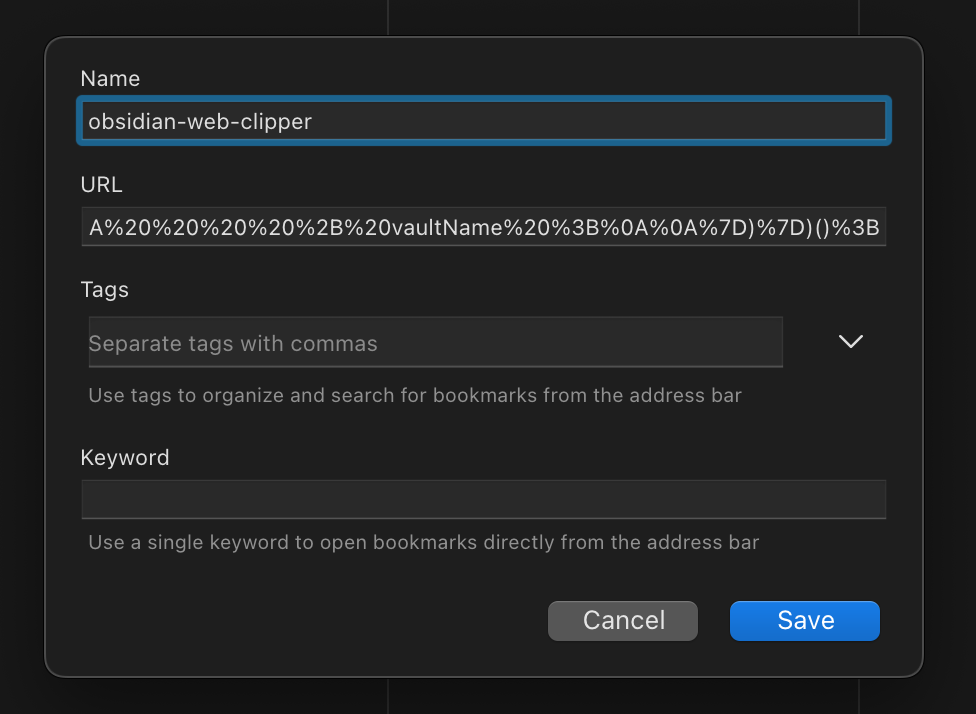
With the bookmarklet installed, we can just click on it in the bookmarks bar which will create a note in Obsidian and pull in all the content on the page.