LIP30 Day 2
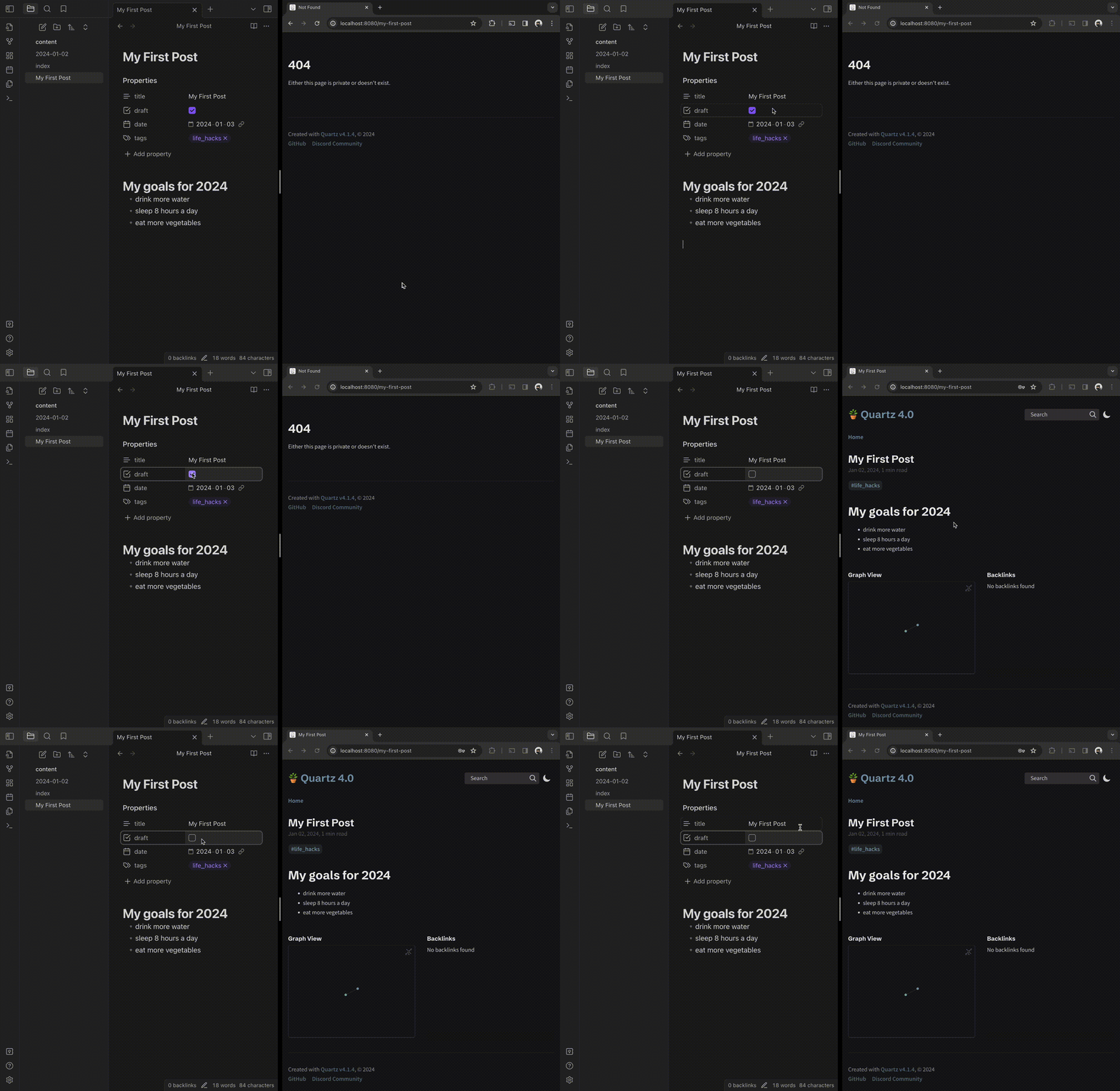
Yesterday, we set up the basic framework to turn a markdown document in Obsidian into a HTML page.
Now, let’s take a look at how we can create a new page and eventually publish it online.
With the Quartz server running,
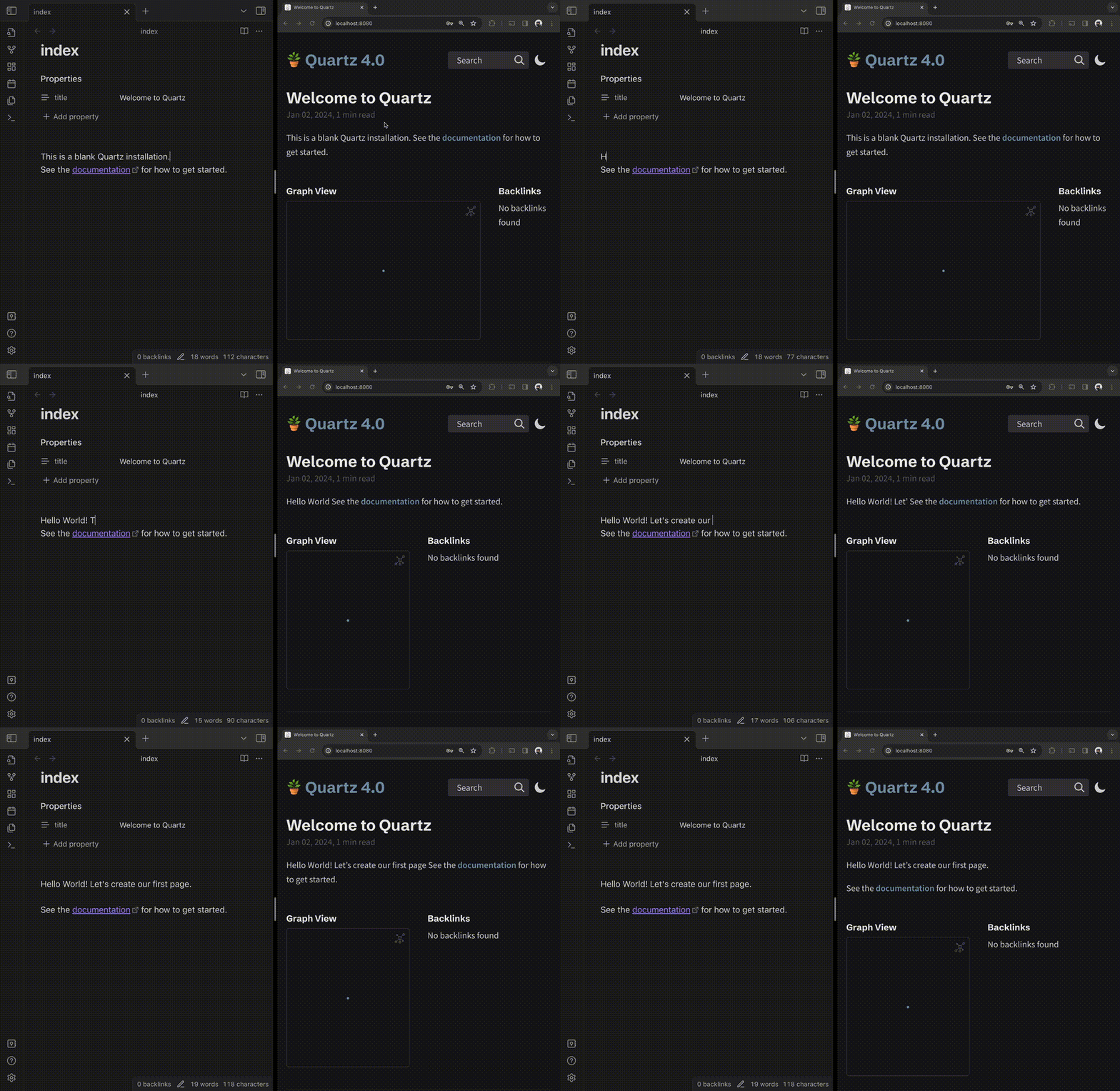
we can create a new note and give it a name. Then we need to create properties in the note by adding --- which adds a properties panel and then we can use markdown to create our first document.
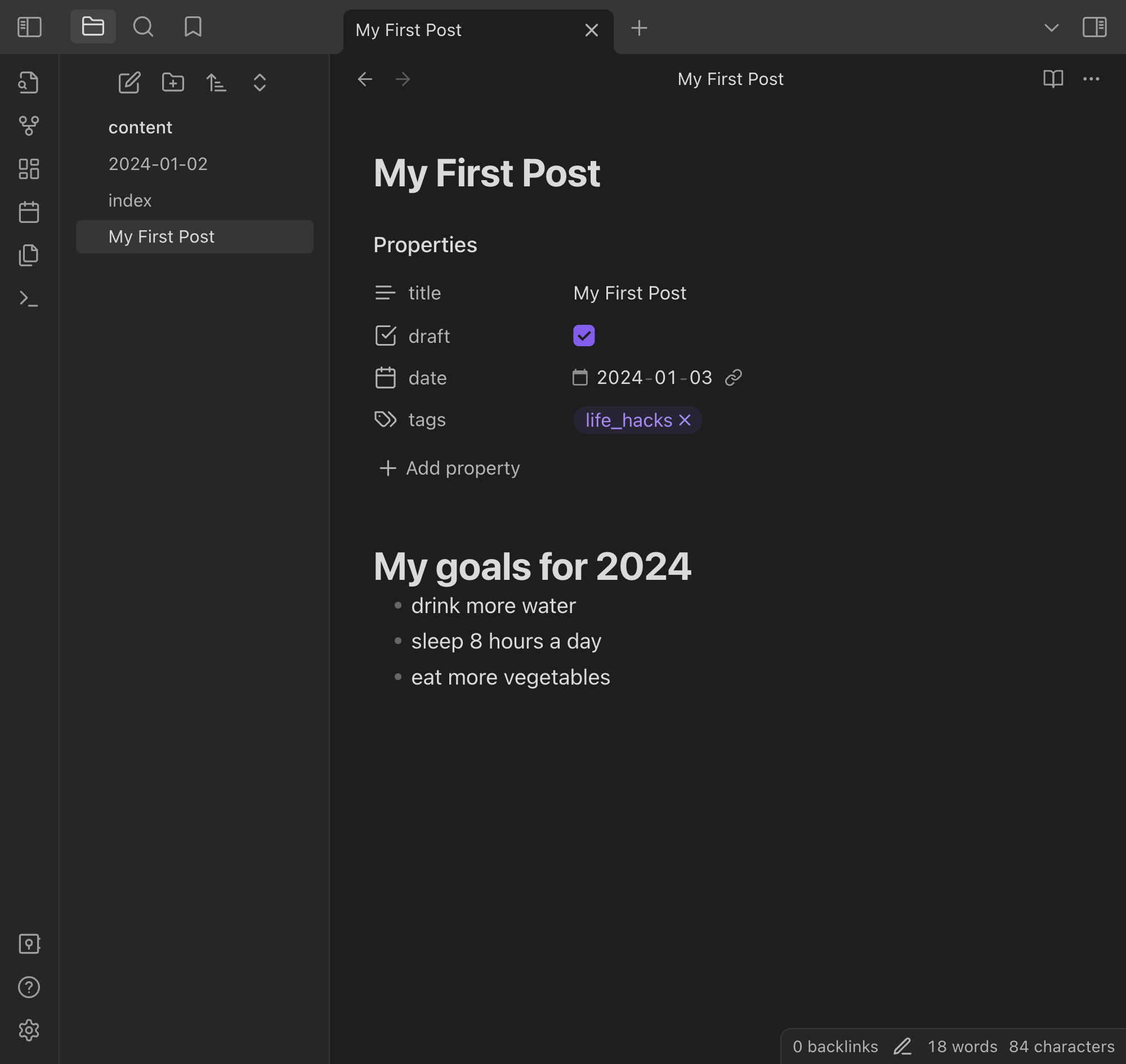
Now if we go back to the browser and type in the url, we’ll get a 404 because the doc is in draft mode.
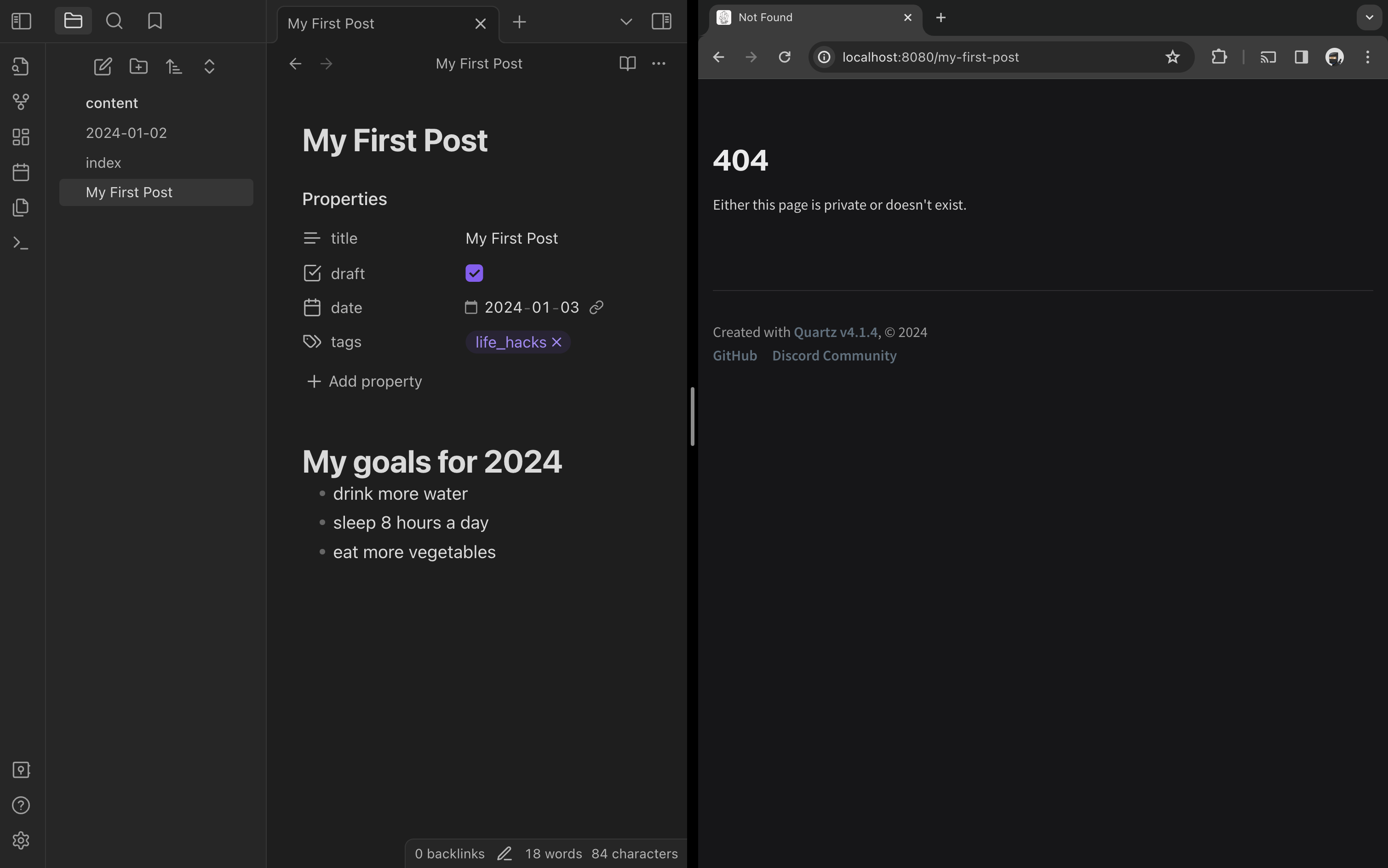
When we uncheck the draft property, we will see the new post.